NodeLib
SkillNodeLib(In brief,NodeLib) is a container of your skill nodes.
A SkillNodeLib has mainly two usage.
- Works as a container of nodes.
- Generate a
SkillLearningTreebased on the nodes in the library.
You are not expected to directly modify any node object named
SkillModel_XXX.asset .Instead, you should create a NodeLib and
drag-drop the SkillModel_XXX.asset into it to create a copy only for
this lib.
You are expected to modify your nodes (giving icons, setting properties…) in the library and then went to the next step(Generate a tree).
How to create a NodeLib?
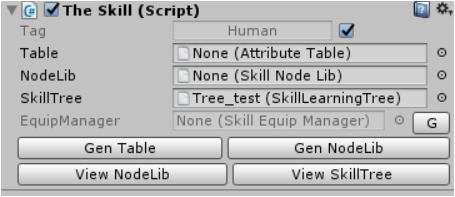
Go to your inspector of your gameobject, add the script
The Skill,set the Tag and lock it .
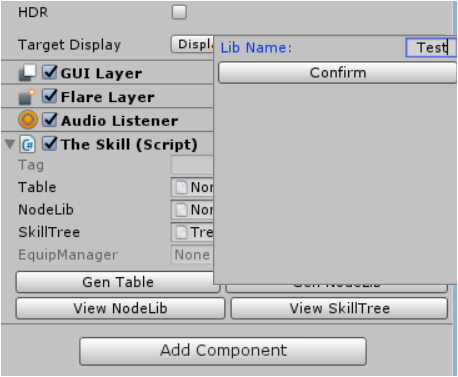
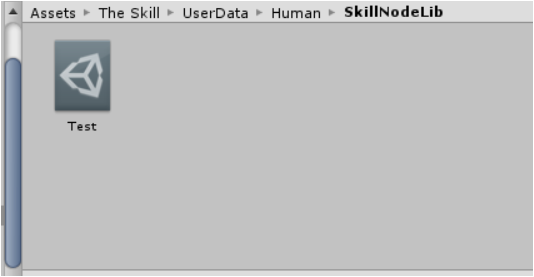
Press Gen NodeLib ,then a nodelib will be assigned and saved under
the folder The Skill\UserData\Human\NodeLib.
Description: Inspector of NodeLib
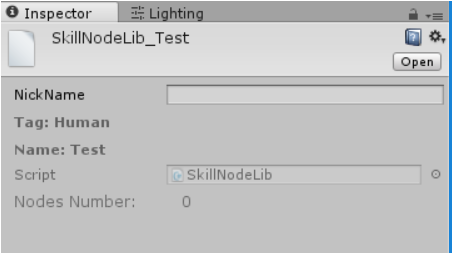
NickName is just a flag left for developers to fill and it could be
empty.
Name is the name assigned for this lib.
Description : NodeLibEditor
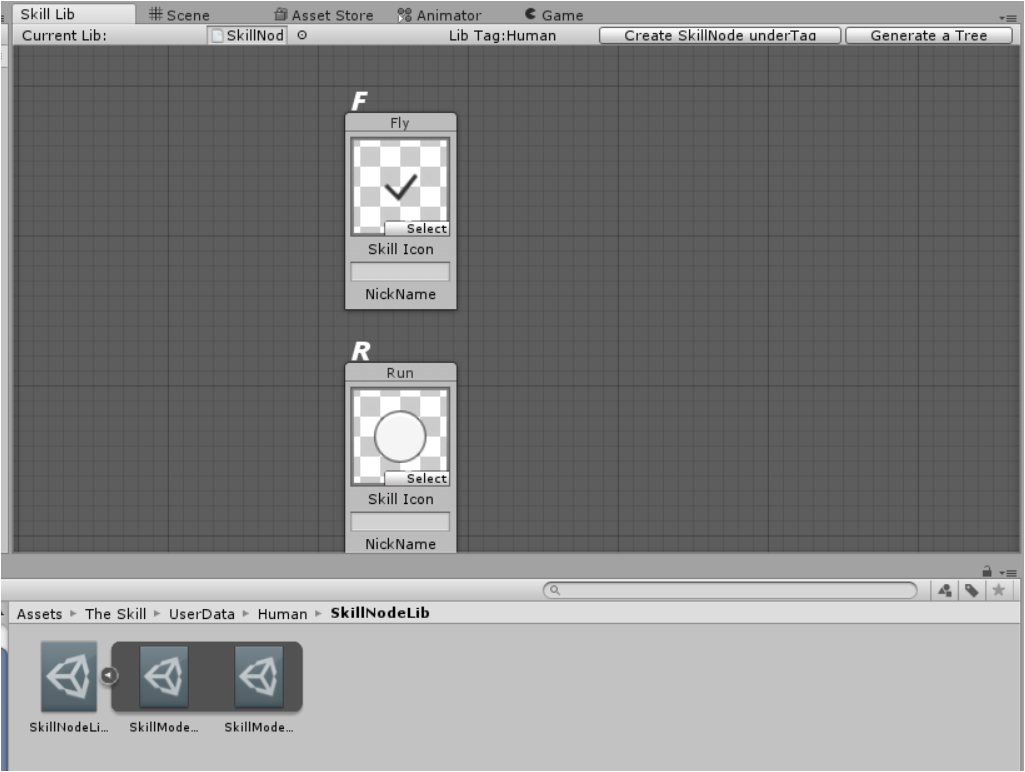
Now the NodeLib already has two nodes Fly and Run. Modify them
will not change anything under the folder
ThsSkill\UserData\Human\Nodes\instances and it’s encouraged to do
so.
I already assigned two icons for them.
These two nodes become subassets of this lib.
How to add a node to library?
Assumed we already create a node named Jump.
We found that under the
Assets\ThsSkill\UserData\Human\Nodes\instances .
Drag and drop it into the editor window.
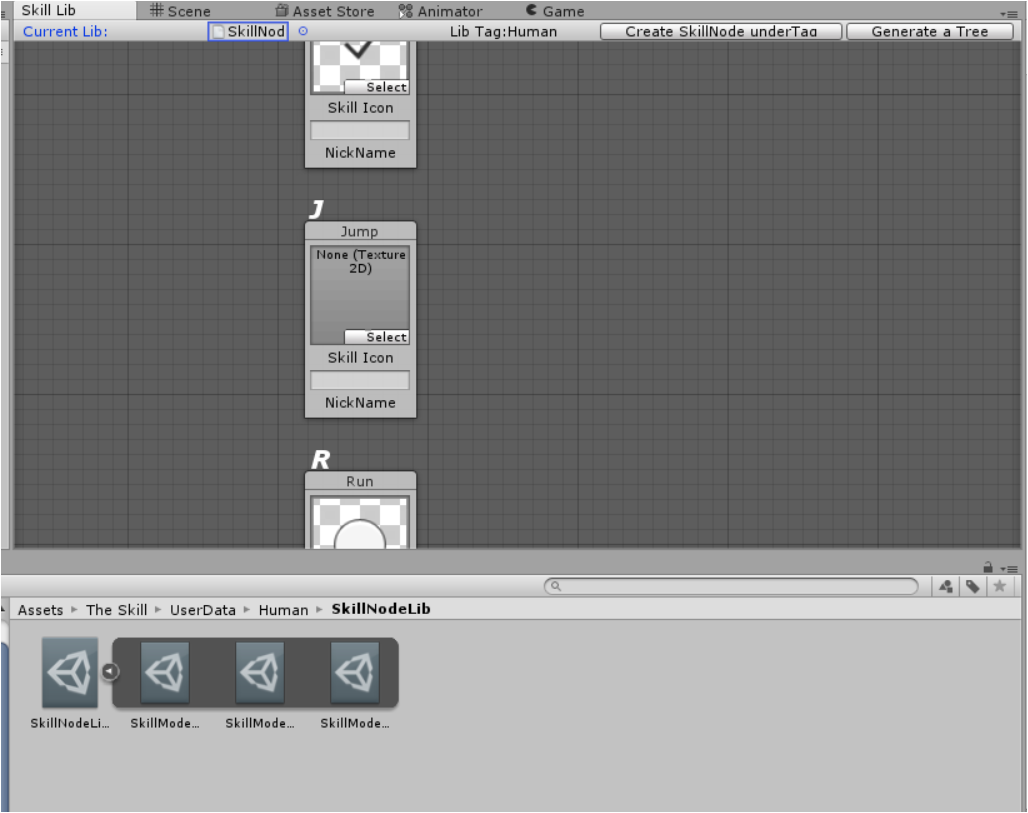
Then the node Jump is added into the library.
The library is already sorted automatically under the alphabet order.
P.S.
middle drag of your mouse to move the graph.
right click select delete to remove one node from the library.